
Parent · iPhone & iPadVerified 30 Sep 2026
How to Switch Between Children
Each child has a separate profile, so their practice plan and history stay with them. Switch the active profile to see the right child's information before reviewing or changing it.
Steps
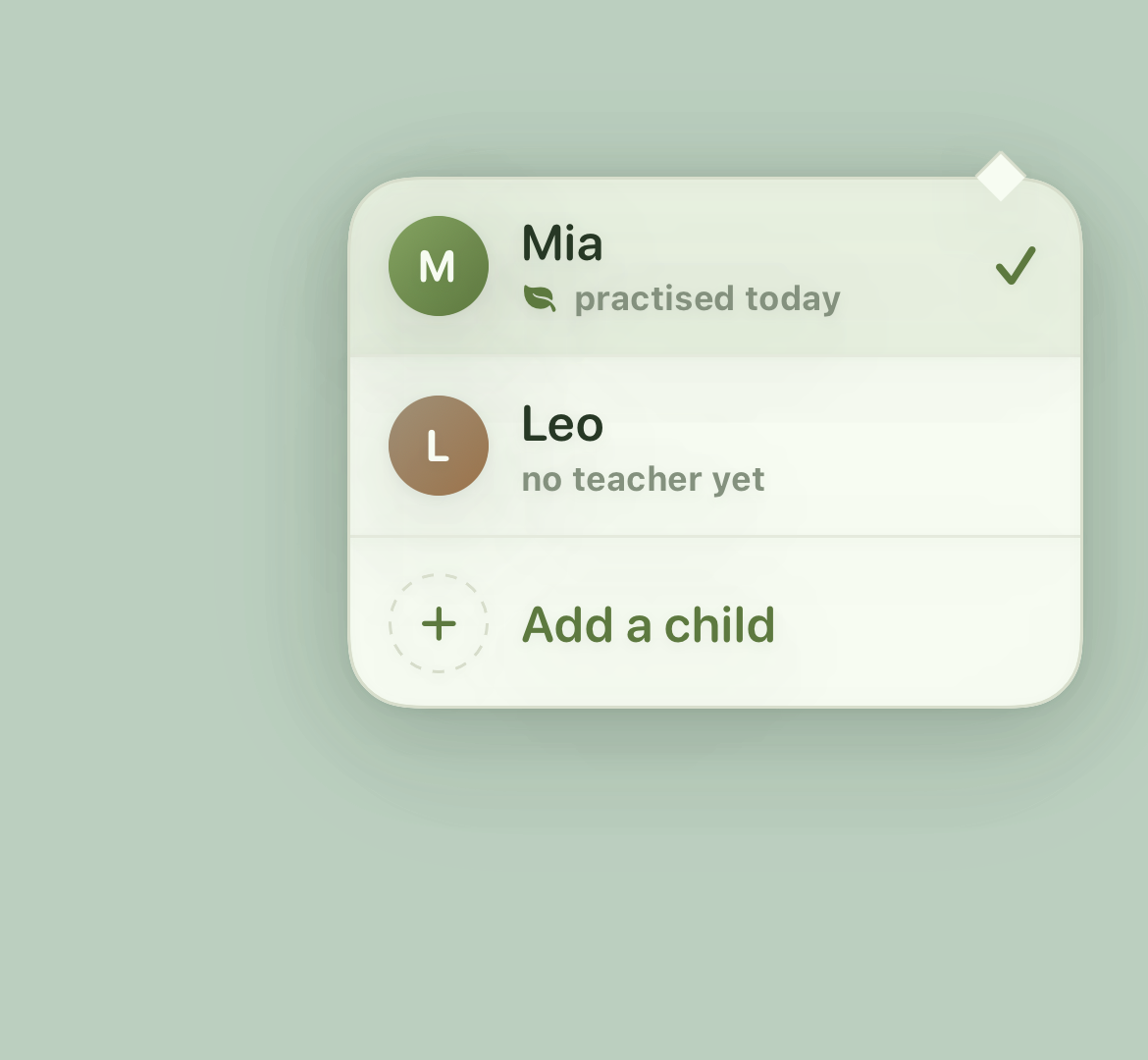
- Open the child switcher. Select the child's avatar at the top of the app.
- Choose a child. Select their name from the menu.
- Check the active profile. The app returns to Today with that child's name and practice plan.
💡 Tip: Finish or cancel an active recording before switching children.